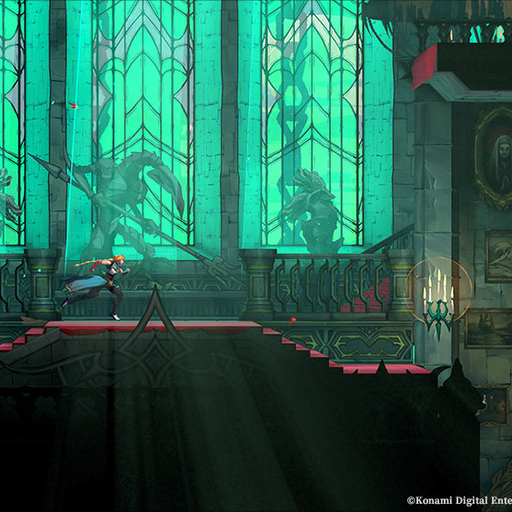
Official Belmont's Curse Trailers: Find KONAMI Videos and Images
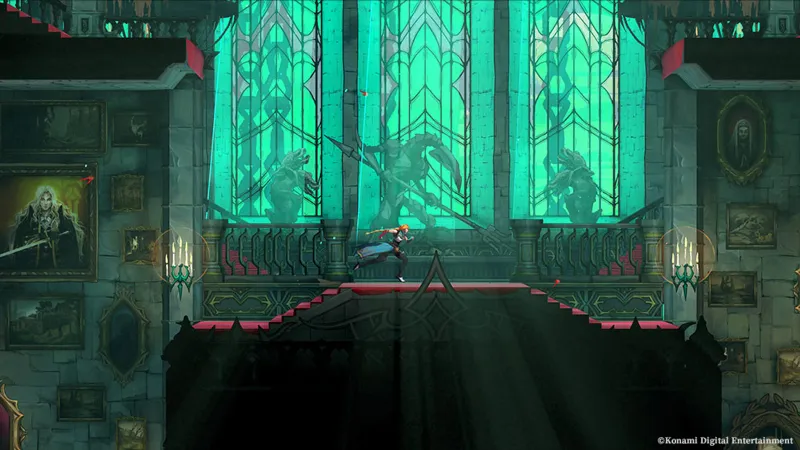
Where are the official trailers?
Open the KONAMI game homepage and select Video. It lists the Gameplay & Commentary, Release Date, Announcement, and Bloody Tears trailers; use the official gameplay video linked below for a direct preview.
Where can I find official screenshots?
KONAMI’s official game pages link trailers, screenshots, and character information; they do not provide a separate press-kit download. Before reposting or streaming footage, open KONAMI’s official sharing guideline and follow its attribution, spoiler, and platform rules.
Is there a press kit?
There is no separate press-kit download on the KONAMI pages linked here. Use its Video section for trailers and its game pages for screenshots and character information. For permission and posting conditions, follow the official sharing guideline; check the game site for new assets if you need a formal media package.
How should I use a trailer for gameplay questions?
Treat trailer footage as a preview of selected moments, not a complete move list or route walkthrough. For practical exploration help, use the spoiler-free route or gameplay tips guides, then check the current game version for details that may have changed.
Related player guides
choose a route guide, tips video, or full walkthrough, check the English voice cast and returning actor, get the setting, story premise, and gameplay overview.
Sources
- [1]Castlevania: Belmont's Curse Official Website — KONAMI
Official game overview, setting, genre label, developers, gameplay systems, release date, and news index.
- [2]Castlevania: Belmont's Curse Gameplay & Commentary Trailer — KONAMI
Official gameplay and commentary video discovered through the configured Google Videos API.
- [3]Castlevania: Belmont's Curse Product Information — KONAMI
Official product editions, contents, platform links, release date, and published soundtrack track list.
- [4]Castlevania: Belmont's Curse Video and Screenshot Guidelines — KONAMI
KONAMI guidance for posting gameplay video and screenshots.
Was this helpful?
Thanks for the feedback!